While the Outlook App is the preferred way to access your Microsoft 365 email you can also use the iOS Mail App to access your email.
If you are having issues sending/receiving email on your phone try to remove the account and re-add following the steps below.
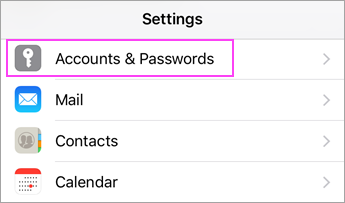
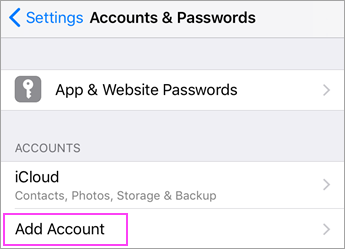
1. Go to your iPhone or iPad's **Settings** > scroll down and tap **Accounts & Passwords** > **Add Account**.
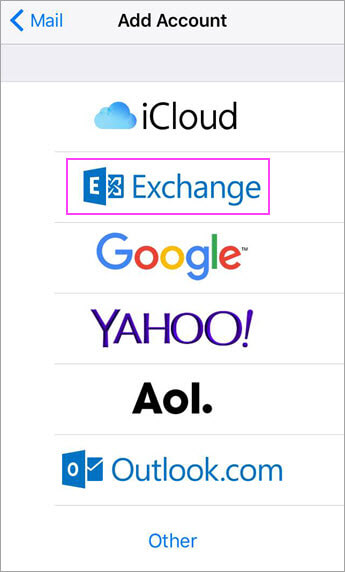
2. Select **Exchange**.
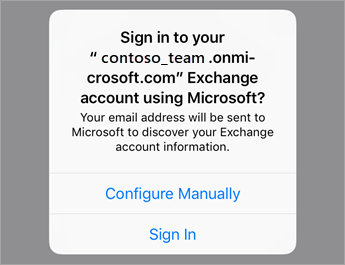
3. Enter your email address and a description of your account. Tap **Next**, and then **Sign In**.

4. Enter the password associated with your email account. Tap **Sign in** or **Next**.

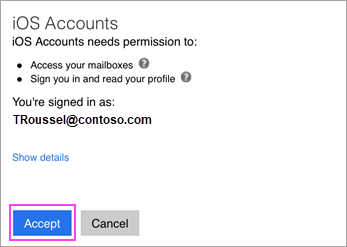
5. The Mail app may request certain permissions. Tap **Accept**.
6. Choose the services you want to sync with your iOS device and tap **Save**. You're done!